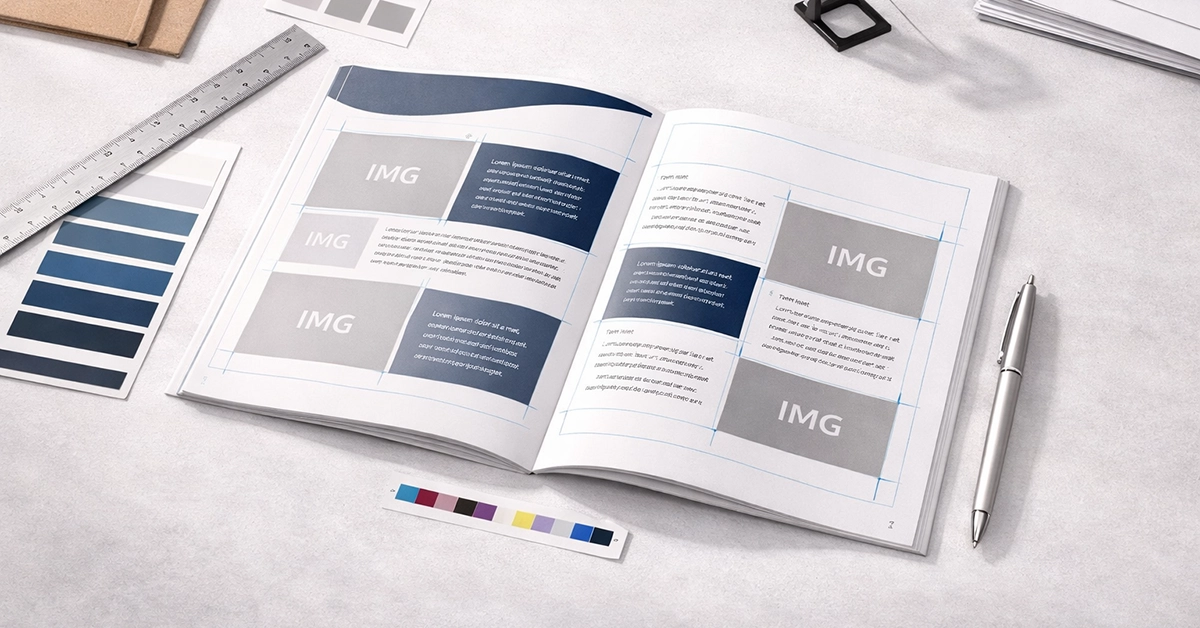
Preparing booklet printing artwork for print can be challenging, especially when multiple technical steps must align perfectly for a professional finish. From bleed settings and colour modes to resolution checks and PDF exports, every stage contributes to how your final booklet looks and performs in the hands of your audience. A single oversight can result in colour shifts, blurred images, incorrect trimming or expensive delays.
This guide provides a complete, practical prepress checklist for creating reliable, print-ready booklet artwork. Designed for UK creatives, designers and marketers, it covers every step required to produce booklets that print cleanly, accurately and consistently.
Prepress refers to everything that happens after you complete your design but before printing begins. It ensures your artwork is correctly formatted, colour-safe, technically consistent and ready for binding.
Because booklets involve multi-page sequencing, margins, spine adjustments and binding considerations, effective prepress preparation is essential. Good preparation prevents problems such as page creep, misaligned trimming, image distortion and unexpected colour variations.
Solid document setup is the easiest way to avoid downstream print issues.
This clarity early in the design process creates a clean foundation for prepress.
Colour inconsistency is one of the most common printing issues, and it is usually avoidable.
Low-resolution or stretched images will always show in print. To maintain clarity:
These resolution checks ensure the final printed booklet appears crisp and professional.
Typography plays a major role in readability and consistency.
Typography errors are harder to fix once the artwork reaches production, so detailed checks are essential.
Certain effects and layers behave differently in print than they do on screen.
Accurate layer preparation gives production teams a clear guide for finishing and embellishment.
| Category | Requirement | Notes |
|---|---|---|
| Document Setup | Trim size + 3 mm bleed | Include a 5–7 mm safe zone |
| Colour | CMYK only | Use correct ICC profiles |
| Resolution | 300 dpi minimum | Avoid scaling images |
| Fonts | Embedded or outlined | Prevents text reflow |
| Special Effects | Spot colour layers | Required for finishing |
| PDF Export | PDF/X-1a or PDF/X-4 | Include crop marks and bleed |
| Binding Prep | Correct page order | Supply single pages |
Binding affects how your pages sit, fold and flow. Planning for this early prevents structural issues later.
This preparation helps your final booklet look aligned and consistent from cover to cover.
Preflight checks catch the issues that are easiest to miss.
Confirm there are no:
Preflighting ensures your PDF is print-ready and reduces the chance of production delays.
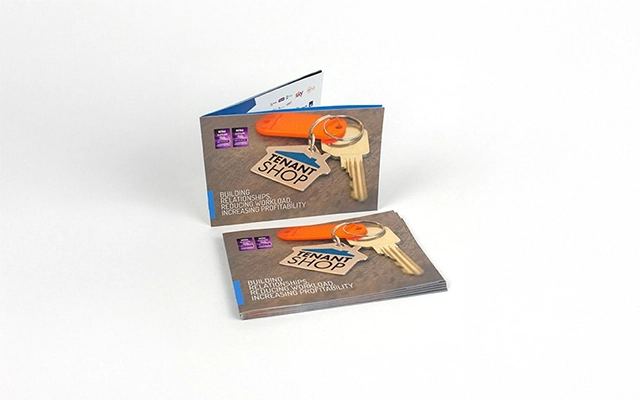
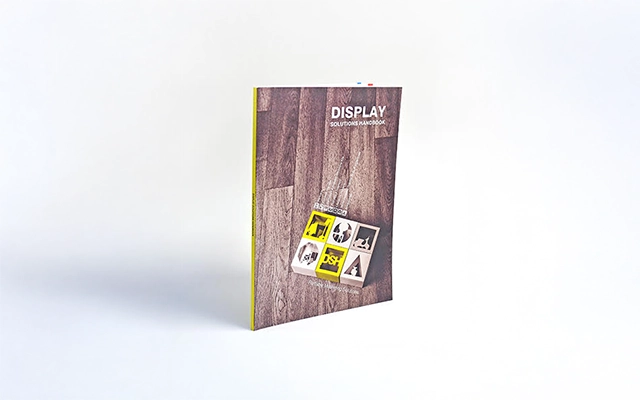
When exporting:
A clean export is the final step before production begins.
Proofing provides reassurance that your artwork will print as intended.
Approving a proof reduces the risk of unexpected results on the full production run.
The print industry continues to evolve, and understanding current trends can strengthen your workflow.
These include:
Many booklet issues stem from predictable errors. Avoid:
A structured checklist keeps these issues from slipping through.
Preparing booklet artwork correctly is the most reliable way to achieve predictable, professional print results. With the right setup, accurate colour control, clean typography, thorough preflight checks and careful proofing, your booklet will transition smoothly from screen to press.
If you want to make booklet production smoother or refine your prepress process, now is the ideal moment to adopt this checklist. Start using these steps today to produce consistent, print-ready booklet artwork that performs exactly as intended.

Unit 4-10 Stanton Road Ind. Est.
Stanton Road
Southampton
Hampshire
United Kingdom
SO15 4HU