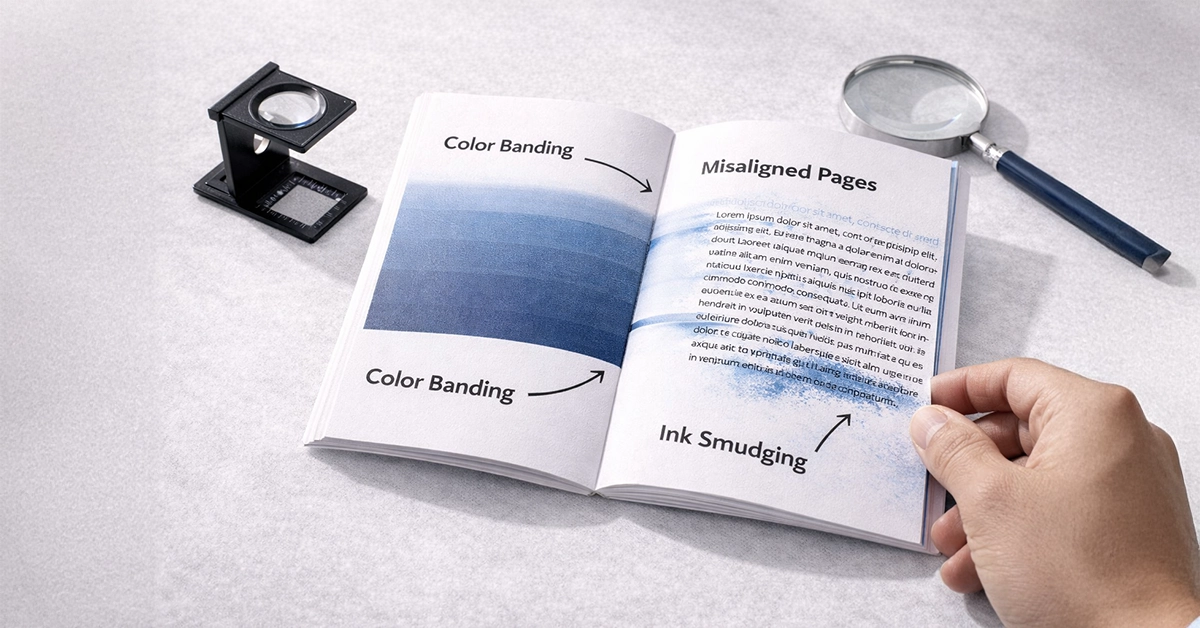
Booklet printing in the UK remains one of the most trusted and versatile printed formats for many businesses. Whether used for marketing campaigns, onboarding, manuals or event materials, they leave a strong impression. But even a well-designed booklet can disappoint if the print quality falls short. Blurry images, colour inconsistencies or binding issues can undermine your message and result in costly reprints.
This guide explores the most common booklet printing problems and how to avoid them, helping designers, marketers and print buyers prepare artwork that delivers professional results every time.
Understanding where booklet printing issues originate makes them far easier to prevent. Most errors arise from artwork preparation, incorrect print specifications or a mismatch between design and production methods.
Low-resolution imagery is one of the fastest ways to compromise your booklet’s appearance. Blurriness or pixelation usually happens when:
Poor image clarity instantly reduces perceived quality, especially in product catalogues or brochures that rely on strong visuals.
A frequent issue for non-specialist designers is preparing artwork in RGB instead of CMYK. Because RGB displays more vibrancy on screen, the printed result can appear dull or mismatched.
To avoid this, convert designs to CMYK before exporting and request a colour proof if accurate reproduction is essential. This is especially important for brand colours or photographic content.
Incorrect bleed and margin settings often result in white edges, uneven trimming or cut-off text. UK printers typically recommend:
Setting these correctly ensures your design trims cleanly and maintains visual balance throughout the booklet.
Because booklets print in folded spreads, they must be created in multiples of four pages. Without correct pagination or imposition, pages can appear out of order or blank pages may appear unexpectedly.
Using a printer-approved template can help prevent misalignment or incorrect sequencing.
Paper stock affects both the presentation and functionality of your booklet. Using paper that is too thin, overly glossy or unsuited to the booklet’s purpose can cause:
Choosing the right GSM and finish is essential for conveying a professional and consistent brand image.
Binding errors often arise when design and production requirements are not aligned. Common issues include:
Matching your final page count, margin settings and paper thickness to the chosen binding method prevents these problems.
Proofing is the most effective way to catch errors before a full print run. Without reviewing a digital or physical proof, problems such as misaligned spreads, incorrect colours, typos or missing elements may go unnoticed until it is too late.
Proofs are an inexpensive safeguard compared to reprinting an entire job.
Print quality directly influences how your organisation is perceived. A booklet marred by errors or quality issues can weaken trust, distract from key messages and undermine your promotional efforts. Poor-quality materials also reduce durability, particularly for booklets that will be handled frequently.
Every unnecessary reprint wastes budget, delays schedules and impacts campaign outcomes. The good news is that most errors are entirely preventable with the right preparation and communication.
A successful print outcome begins with thoughtful planning. These practical steps help ensure your booklet prints exactly as intended.
A professional print-ready file should include:
These fundamentals ensure sharp output, accurate colours and clean trimming.
Artwork should extend into the bleed while all essential content remains within the safe zone. This prevents accidental cropping and maintains visual alignment across pages.
Different booklet types require different paper specifications. Use the reference table below to match materials to your project’s purpose.
| Booklet Type | Ideal Paper Weight (GSM) | Recommended Finish | Purpose |
|---|---|---|---|
| Photo-rich brochure | 150–170 gsm inner, 250–350 gsm cover | Gloss or silk | Strong colour reproduction and image clarity |
| Corporate/event booklet | 130–150 gsm inner, 200–250 gsm cover | Silk | Smooth professional look |
| Instruction manual | 100–130 gsm inner, 200–250 gsm cover | Uncoated or matt | Better readability for text-heavy layouts |
| Product catalogue | 130–170 gsm inner, 250–350 gsm cover | Gloss or laminated cover | Durability and vibrant visuals |
Choosing the right binding method prevents structural issues:
Incorrect binding choices can cause cracking, shifting, or pages pulling loose over time.
Proofs reveal issues you might not notice on screen, including:
This final review step protects your project from costly reprints.
Sharing your specifications and timelines early helps avoid:
Clear communication ensures efficient production and professional results.
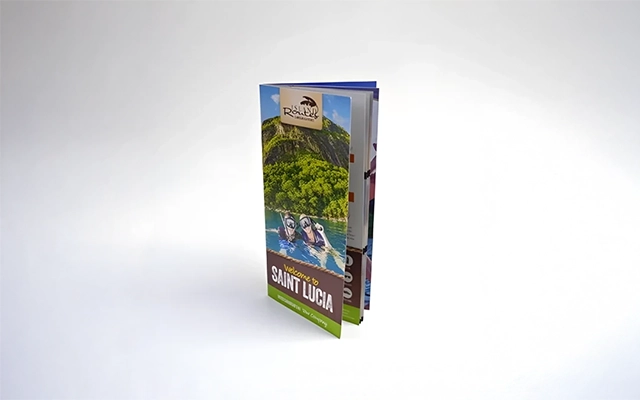
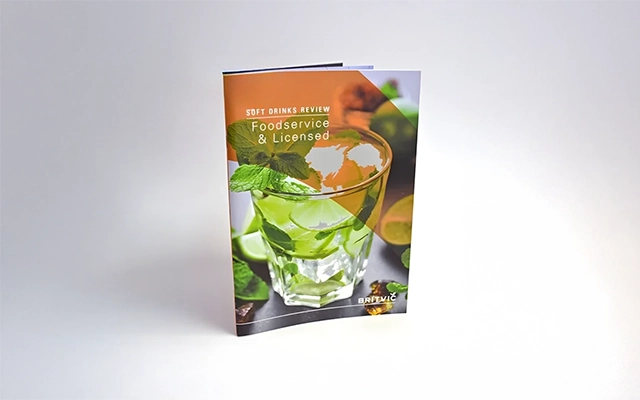
The way your audience will use your booklet should determine its materials, format and finish. For example:
Design and production choices should always support the booklet’s intended purpose.
Practical scenarios help illustrate why preparation matters:
Each example demonstrates how early checks and the right file setup prevent costly setbacks.
Every successful booklet begins long before it reaches the press. By applying the steps outlined in this guide, you can prevent the most common booklet printing problems and ensure every page reflects the quality of your brand.
If you are preparing your next booklet and want support with artwork, paper choice or print specifications, this is the perfect time to begin planning. Strong preparation leads to confident printing and a finished product you can be proud to distribute.

Unit 4-10 Stanton Road Ind. Est.
Stanton Road
Southampton
Hampshire
United Kingdom
SO15 4HU