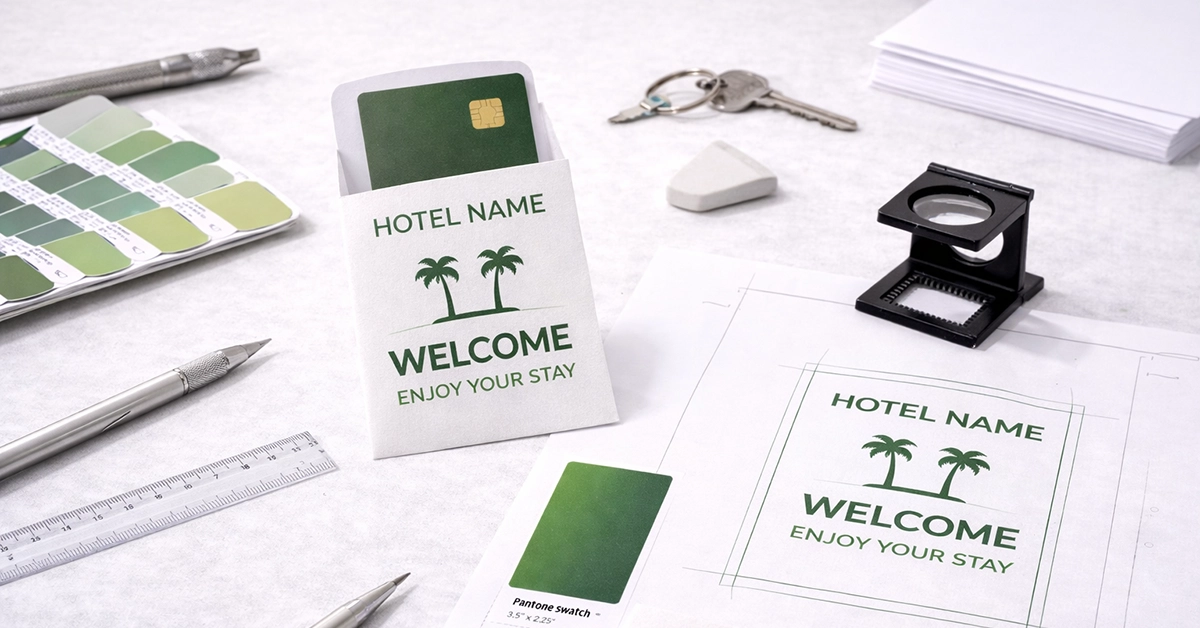
Producing high-quality keycard holders begins with well-prepared artwork. Before any printing takes place, the file setup must be accurate, consistent and fully aligned with professional standards. Missing bleed, low-resolution imagery, or incorrect colours can all result in costly reprints and an inconsistent brand experience.
This guide explains everything you need to know about preparing artwork for keycard holders, from technical specifications through to layout structure, special finishes and file submission. It is designed for designers, marketing teams and anyone creating print-ready files for hospitality, events, venues or membership-based organisations.
Print-ready artwork is a fully prepared file that follows professional print guidelines to ensure predictable, high-quality results. This is especially important for keycard holders due to their compact size, where even minor errors become noticeably visible.
Print-ready artwork includes:
Because keycard holders are handled frequently, clarity and accuracy directly influence how people perceive your brand.
Meeting technical specifications is the foundation of strong print results and supports consistent colour, sharpness and layout accuracy.
All artwork must be set to CMYK, the colour system used in printing. RGB, used for screens, will not reproduce accurately in print and often results in dull or unexpected colours.
To maintain clarity, set all imagery to 300 dpi. Low-resolution elements appear blurred or pixelated once printed.
A high-resolution PDF/X-1a or PDF/X-4 is standard for print-ready files. These formats help maintain vector sharpness, embed fonts and preserve the intended colour profile.
Use 100% K black for small text and fine details to prevent registration issues that impact legibility.
A clean print relies on accurate layout structure and spacing.
Add 3 mm bleed around every edge so the trim cuts cleanly without leaving white borders.
All logos, text and essential elements must sit at least 3 mm inside the trim to avoid accidental cropping.
Some printers add crop marks automatically; others ask for them in the supplied PDF. These marks help guide trimming and ensure alignment.
For uniquely shaped keycard holders, supply a separate cutter guide layer. Use a distinct spot colour and label it clearly for clarity during production.
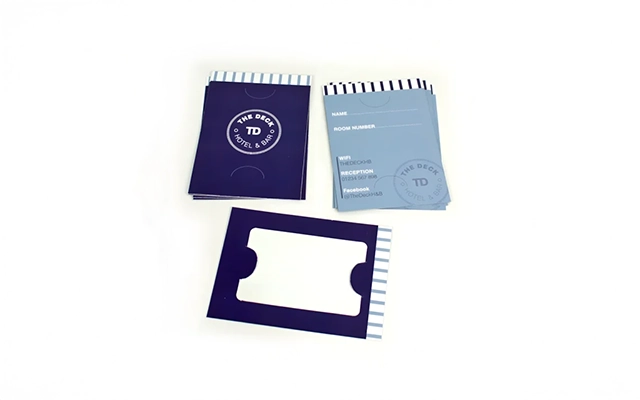
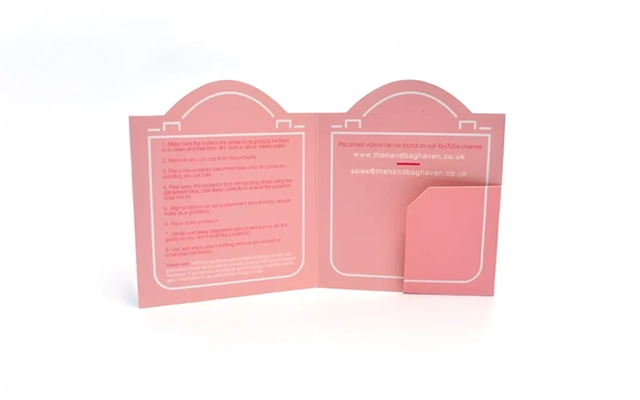
Good design ensures both strong visual impact and technical accuracy.
Keycard holder artwork often aligns with PVC card dimensions such as 86 × 54 mm. Always design to the product’s template and add bleed on all sides.
Logos, icons and linework should be vector-based to stay crisp at any size.
Profiles such as FOGRA39 are commonly used in UK print workflows and support consistent colour output.
Avoid overly light fonts or text below 6 pt. Keycard holders must remain readable during everyday use.
| Requirement | Recommended Standard | Why It Matters |
|---|---|---|
| Colour Mode | CMYK | Ensures predictable print colour |
| Resolution | 300 dpi | Delivers sharp, clean results |
| Bleed | 3 mm | Prevents white edging after trimming |
| Safe Zone | 3 mm inside trim | Protects essential content |
| File Format | PDF/X-1a or PDF/X-4 | Maintains structure and accuracy |
| Fonts | Outlined or embedded | Avoids unwanted font substitution |
| Special Finishes | Separate labelled layers | Ensures correct production |
| Black Settings | 100% K for fine text | Prevents registration issues |
Premium finishes can add impact to keycard holders, but they require precise artwork preparation.
Keep finishes such as foil, embossing or spot UV on their own layers. Use a solid spot colour swatch to identify each finish clearly.
Check that lines intended for foil or embossing meet the minimum recommended thickness to ensure clean application.
Finishes work best when paired with backgrounds that help them stand out visually.
Variable data printing allows each keycard holder to feature unique details such as:
This is particularly valuable for hospitality environments, events and membership-based facilities.
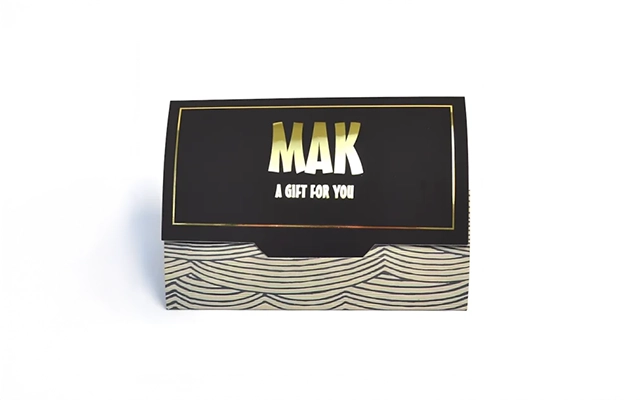
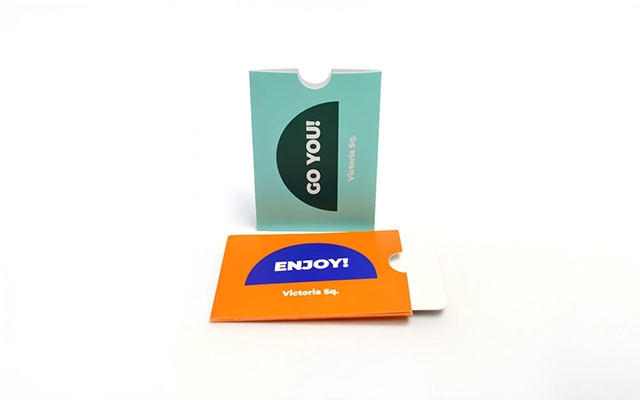
Use the following checklist before sending artwork to print:
A final pre-flight review ensures accuracy and avoids unexpected results.
Avoiding common mistakes helps protect both quality and budget.
This creates visible white edges after trimming. Extending background elements into the bleed solves the problem.
RGB artwork can cause inaccurate printed colours. Always convert the full document to CMYK.
Pixelation occurs when low-quality images are scaled up. Replace with 300 dpi versions.
Text too close to the trim line risks being cut off. Use safe zones to maintain balance.
If finishes sit on merged or hidden layers, they may not print as expected. Keep finish layers separate and clearly labelled.
Strong communication and using the correct tools support a smooth print process.
Templates include precise bleed, trim and safe-zone guidelines, helping ensure your artwork aligns perfectly with the final product.
Digital proofs confirm layout accuracy before printing begins. Check spacing, colour consistency and variable data placement.
Label files logically and outline any specific design intentions to ensure accurate output.
Preparing artwork correctly ensures your printed keycard holders look professional, consistent and fit for purpose. By following technical specifications, structuring your file logically and reviewing everything before submission, you reduce the risk of reprints and maintain a strong brand presence across all printed materials.
If you’re ready to create or refine artwork for keycard holders, now is the ideal time to take the next step. Whether you’re producing a new design or preparing files for an upcoming order, we can provide expert support to help ensure the final product reflects your brand accurately and confidently.

Unit 4-10 Stanton Road Ind. Est.
Stanton Road
Southampton
Hampshire
United Kingdom
SO15 4HU