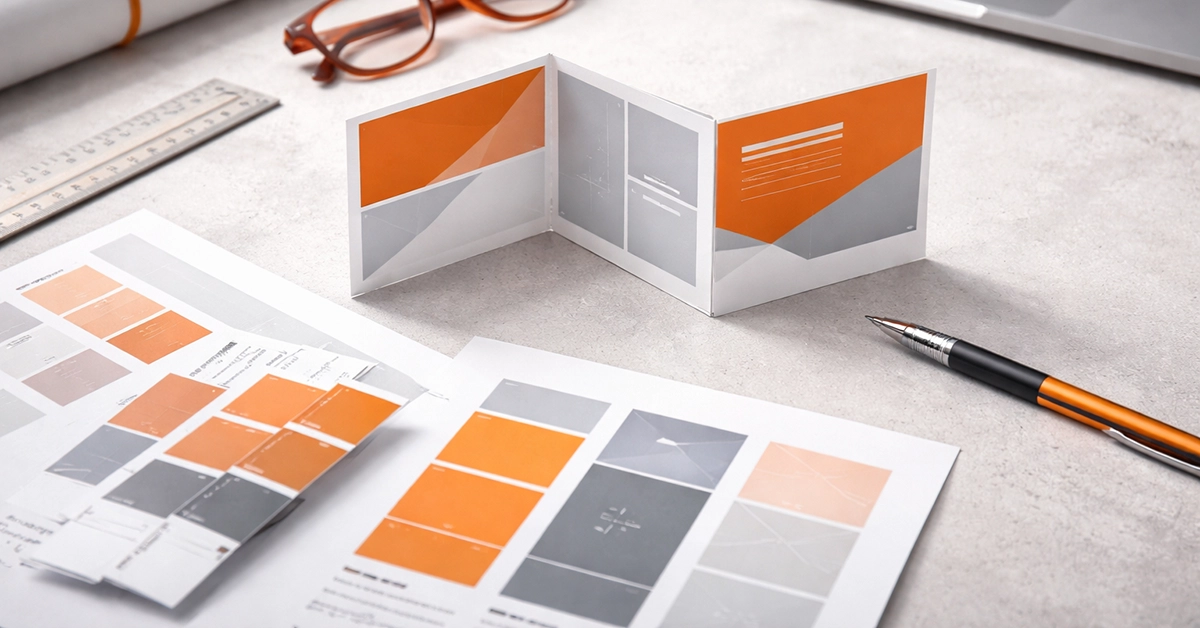
Creating print-ready artwork for a Z Fold leaflet requires precision, careful planning, and an understanding of how each panel interacts with the fold. When artwork is set up correctly, you avoid costly reprints, colour inconsistencies, text misalignment, and production delays. This guide explains how to prepare artwork that meets professional UK printing standards and performs reliably in real marketing campaigns.
Z Fold leaflet printing remains popular with retailers, hospitality venues, tourism brands, event organisers, and local businesses. Their structured panel layout offers more space for storytelling and visuals, but it also demands accuracy. Every fold affects how the message is read, which means your artwork must be designed with intent from the outset.
This updated guide provides a clear process for creating Z Fold artwork that passes pre-press checks without issues and produces a polished final result.
A Z Fold leaflet features three panels on each side that fold in a concertina style. For the leaflet to close neatly and open smoothly, the panel widths must be set with care.
Misjudged panel widths can cause buckling, uneven folding, or distorted design elements. Accurate setup from the start prevents these issues.
Every print-ready leaflet requires bleed and safe zones, but they are particularly important for folded formats. Because each panel is handled during trimming and folding, consistency is essential.
Correct margin and bleed setup ensures the artwork prints cleanly, with no risk of clipped text or white edges along the fold.

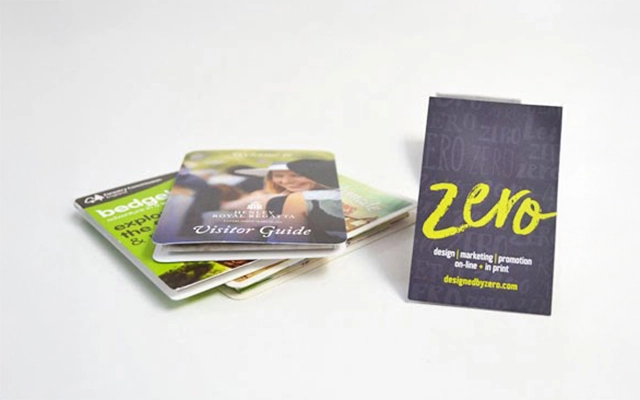
Commercial printing uses CMYK inks, not RGB. Files supplied in RGB can shift colour significantly during conversion, which is one of the most common causes of artwork rejection.
Correct colour setup helps maintain brand consistency and ensures the finished Z Fold leaflet prints as the designer intended.
High-resolution visuals are essential for printed materials. Z Fold leaflets often combine photography, illustrations, and icons, so every asset must be prepared correctly.
High-quality images are particularly important for industries that rely heavily on visual impact, such as tourism, retail, and hospitality.
Each Z Fold panel has a defined role in the story you are telling. Planning these panels strategically helps create flow and improves user engagement.
Common panel roles include:
The reading sequence follows:
Correct sequencing guides the viewer through a clear narrative when opening the leaflet.
Use this table as a checklist to ensure your Z Fold artwork meets professional printing standards.
| Artwork Element | Professional Standard | Why It Matters |
|---|---|---|
| Bleed | 3 mm on all edges | Prevents white lines after trimming |
| Safe zones | 5 to 7 mm away from fold lines | Protects text from creases or cuts |
| Colour mode | CMYK | Ensures accurate printed colour |
| Resolution | Minimum 300 dpi | Prevents pixelation |
| Panel widths | Closing panel 1 to 2 mm shorter | Supports smooth, accurate folding |
| File format | PDF/X-1a or PDF/X-4 | Compatible with commercial pre-press systems |
| Fonts | Embedded or outlined | Prevents missing-font issues |
| Image formats | TIFF, PSD, or high-quality JPEG | Maintains clarity in print |
Folded materials printed on thicker stocks can crack along the crease, especially if heavy ink coverage is placed across the fold.
To minimise cracking:
A small design adjustment often makes a significant difference in final quality.
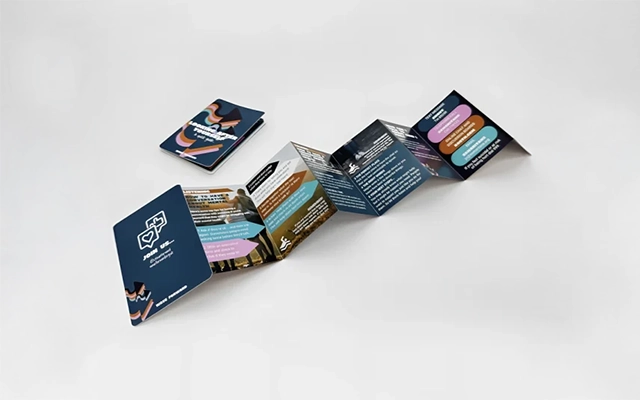

The export stage is where many artwork files fail pre-press checks. Ensuring your PDF is prepared correctly helps avoid back-and-forth revisions.
Always review your exported file before submitting it. Confirm that panel ordering, fold guidance, and margins are correct.
A simple proofing method can uncover issues that may not appear on screen. Print the artwork at full scale using a desktop printer, trim the panels, and fold it into a Z shape.
Check:
This hands-on step greatly reduces risk and ensures your artwork behaves as expected when folded.
Preparing artwork for Z Fold printing is a technical process, but following the right steps ensures your leaflet prints cleanly and performs well as a marketing tool. By applying accurate panel measurements, using CMYK colour profiles, designing within safe zones, and exporting a compliant PDF, you ensure your artwork is production-ready.
If you need help preparing print-ready Z Fold artwork or want expert guidance on setting up your next leaflet correctly, now is the perfect time to take action. Reach out to discuss your project, request support with artwork setup, or move your design into professional production with confidence.

Unit 4-10 Stanton Road Ind. Est.
Stanton Road
Southampton
Hampshire
United Kingdom
SO15 4HU